Billing automation
Recurring billing that runs without you
Billing has to work at 3am on a public holiday. One daily run handles the whole cycle: renewal invoices ahead of the due date, auto-charge, escalation, and suspension only when your rules say so.
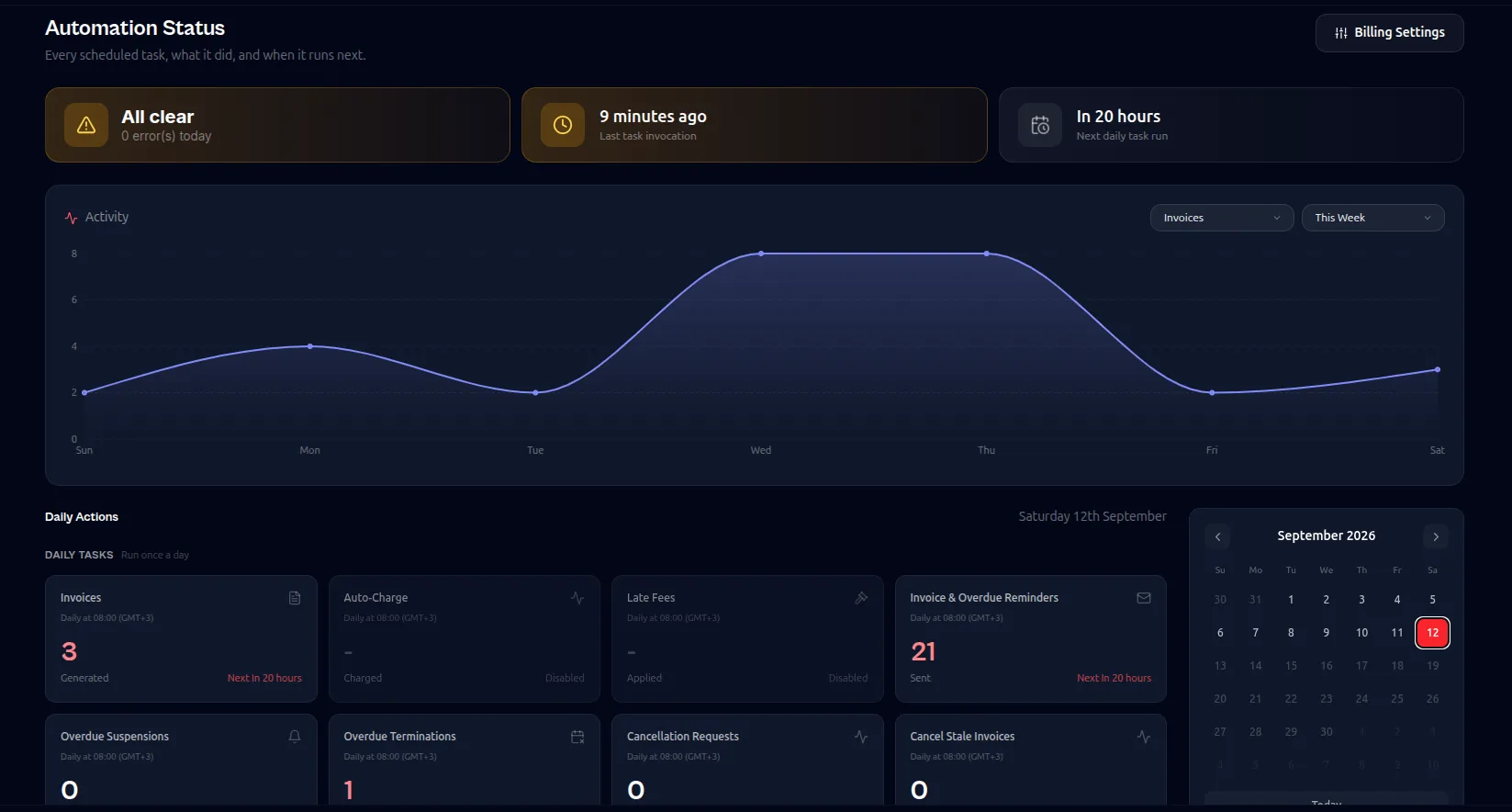
One run a day, safe to run twice
Every step is idempotent and keyed, so a retry after a network blip never double-bills a client or sends the same warning twice.
The term moves when money lands
A renewal extends the service only once it is paid, and a late payment still lands on the correct period.
Dunning you configure
Set the reminder offsets, grace window, late fee and suspension day. Reminders fire once, on exact offsets, not on every run.
It runs in your timezone
The daily run resolves against your billing settings rather than the server clock, so invoices arrive at a sensible local hour.
Every decision is written down
An automation log records what ran, what it touched and what it skipped. When a client asks why they were suspended, the answer is one search away.
Questions
Billing automation, in detail
Does it bill in advance or in arrears?
In advance. The renewal invoice is generated ahead of the due date, and the service term extends when it is paid.
What if the daily run fails halfway through?
Every step is keyed on the invoice and period, so the next run picks up where the failed one stopped. Nothing is billed twice.
Can I exempt one client from suspension?
Yes. Suspension and termination are per-service settings, so an individual client can be exempted while the rest of the estate runs on the standard schedule.
Related capabilities
Try billing automation on your own server
The free plan covers up to 25 clients with the full billing engine. Run it on a spare server and see whether it fits.
Free up to 25 clientsNo card requiredYour server, your data